Sols Files






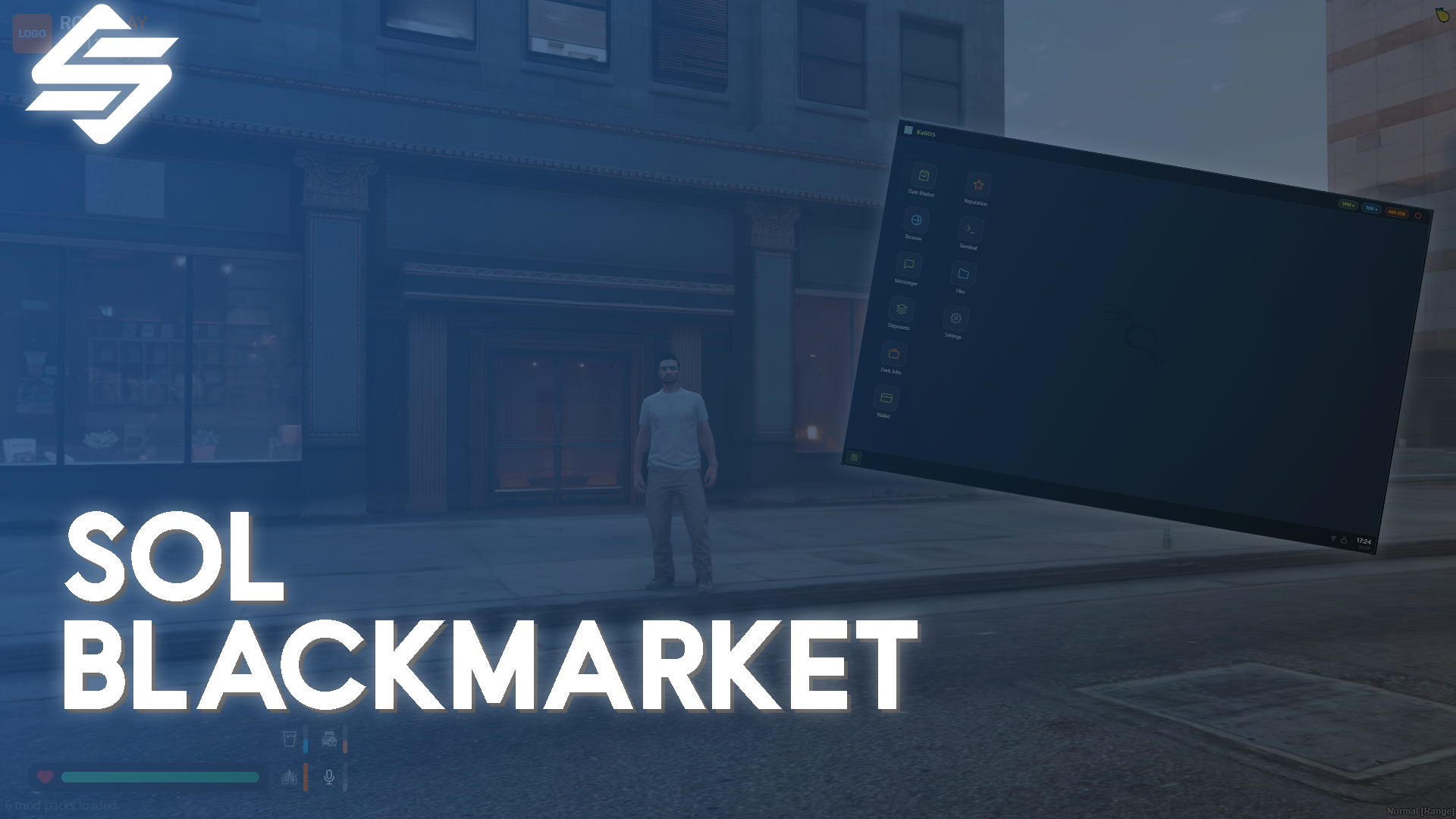
# Sol Blackmarket - Realistic Criminal Laptop OS
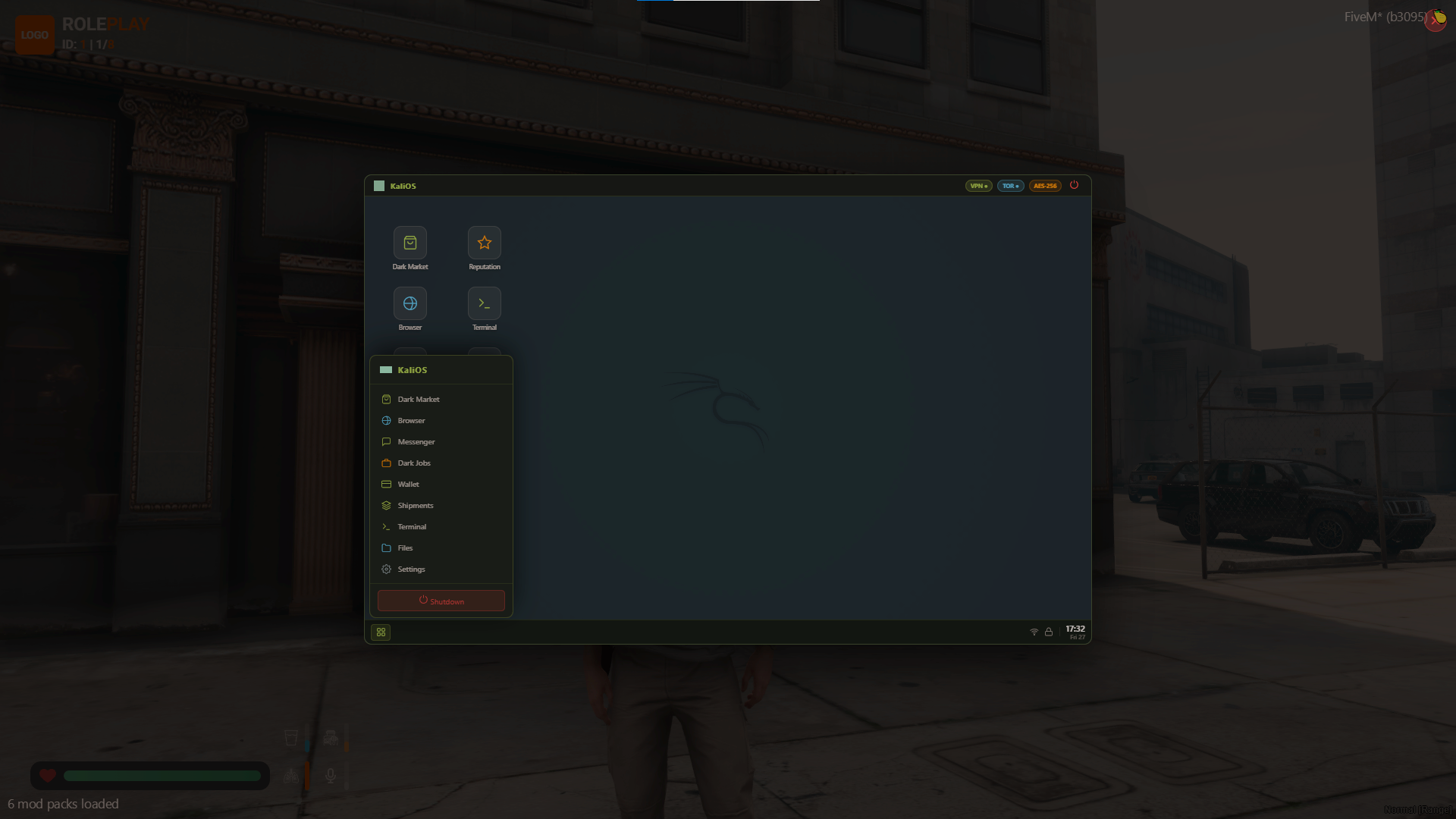
**Sol Blackmarket** is a comprehensive, highly configurable criminal underworld system designed for FiveM servers running QBCore or ESX. It introduces a deep, progression-based ecosystem where players can participate in dark web activities directly from an encrypted laptop, complete illegal jobs, and build their reputation.
## 🌟 Key Features
* **Universal Compatibility:** Automatically detects your framework (QBCore/ESX). Supports popular inventories (`qb-inventory`, `ox_inventory`) and interaction systems (`qb-target`, `ox_target`).
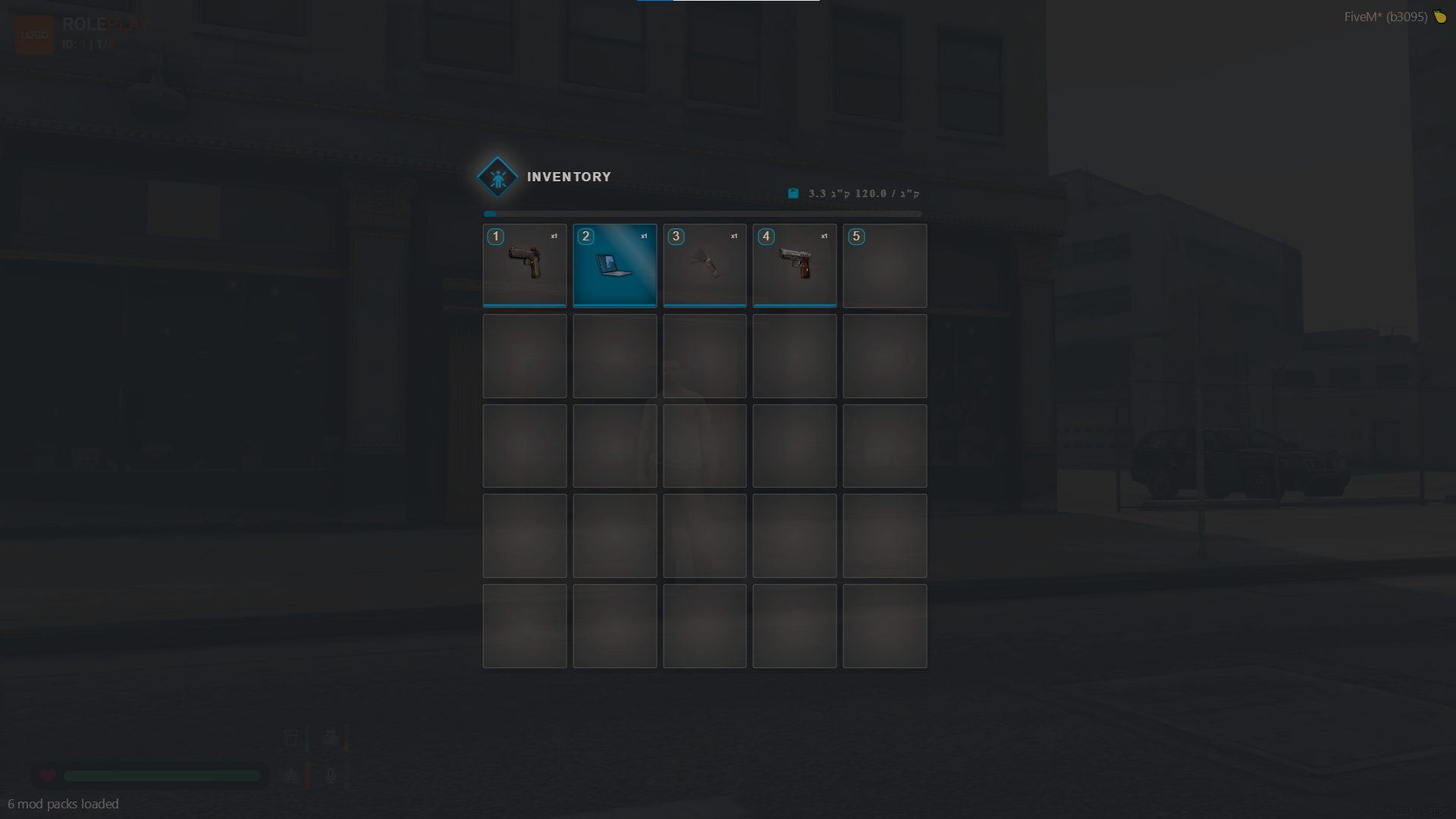
* **Encrypted Access:** Accessing the dark web is highly restricted. Players must possess an `encrypted_laptop` item and, optionally, an `encrypted_usb` drive to log in, preventing random civilians from stumbling into criminal enterprises.
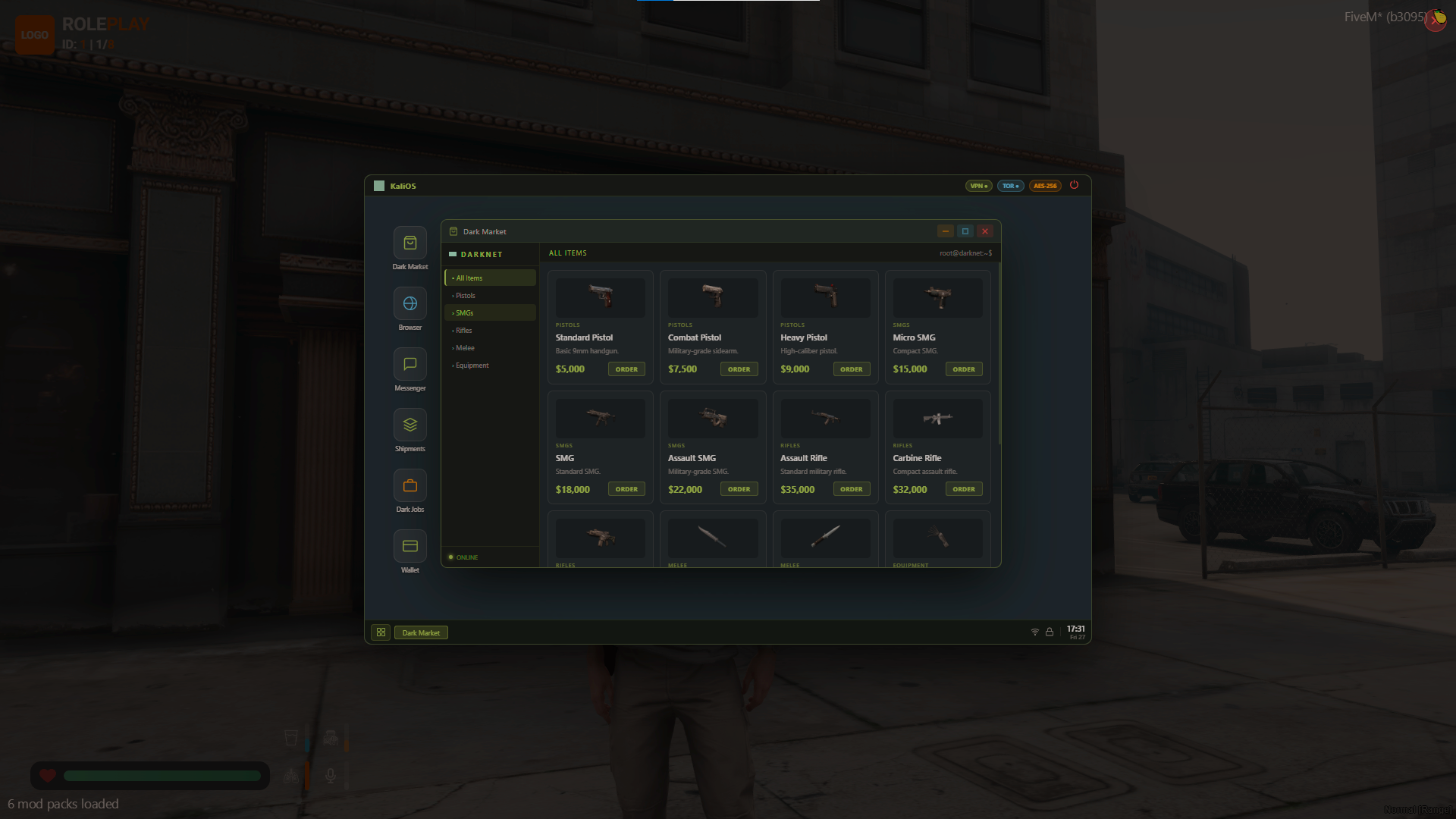
* **Dynamic Black Market:** Players can purchase restricted weapons, tools, and equipment (like lockpicks and thermite). Deliveries are not instant—they take realistic times to arrive at discreet drop locations around the city.
* **Risk & Tracking System:** The heat is always on. A robust tracking system can alert the police during orders. Placing too many orders consecutively triggers law enforcement tracking.
* **Reputation & Progression:** Features a 6-tier reputation ladder (from *Unknown* to *Boss*). As players complete jobs, they gain reputation points unlocking access to heavier weaponry and more lucrative, high-risk contracts.
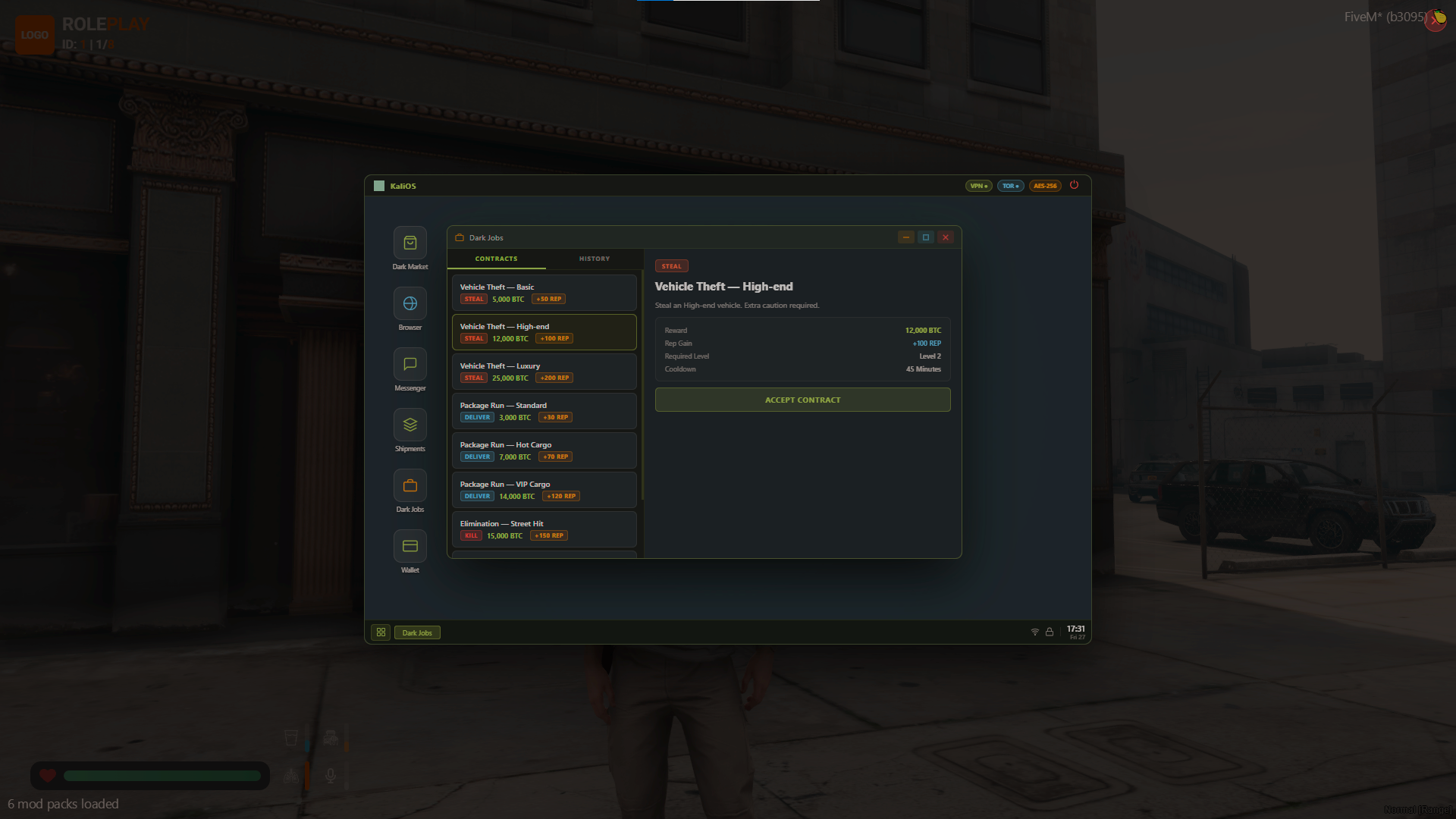
* **Dark Web Jobs Ecosystem:**
* **Vehicle Theft (Chop Shop):** Steal basic cars, high-end vehicles, or exotic luxury cars and deliver them to hidden chop shops.
* **Package Runs:** Work as a mule delivering standard goods, hot cargo (with active police interest), or sensitive VIP cargo to locations across the city.
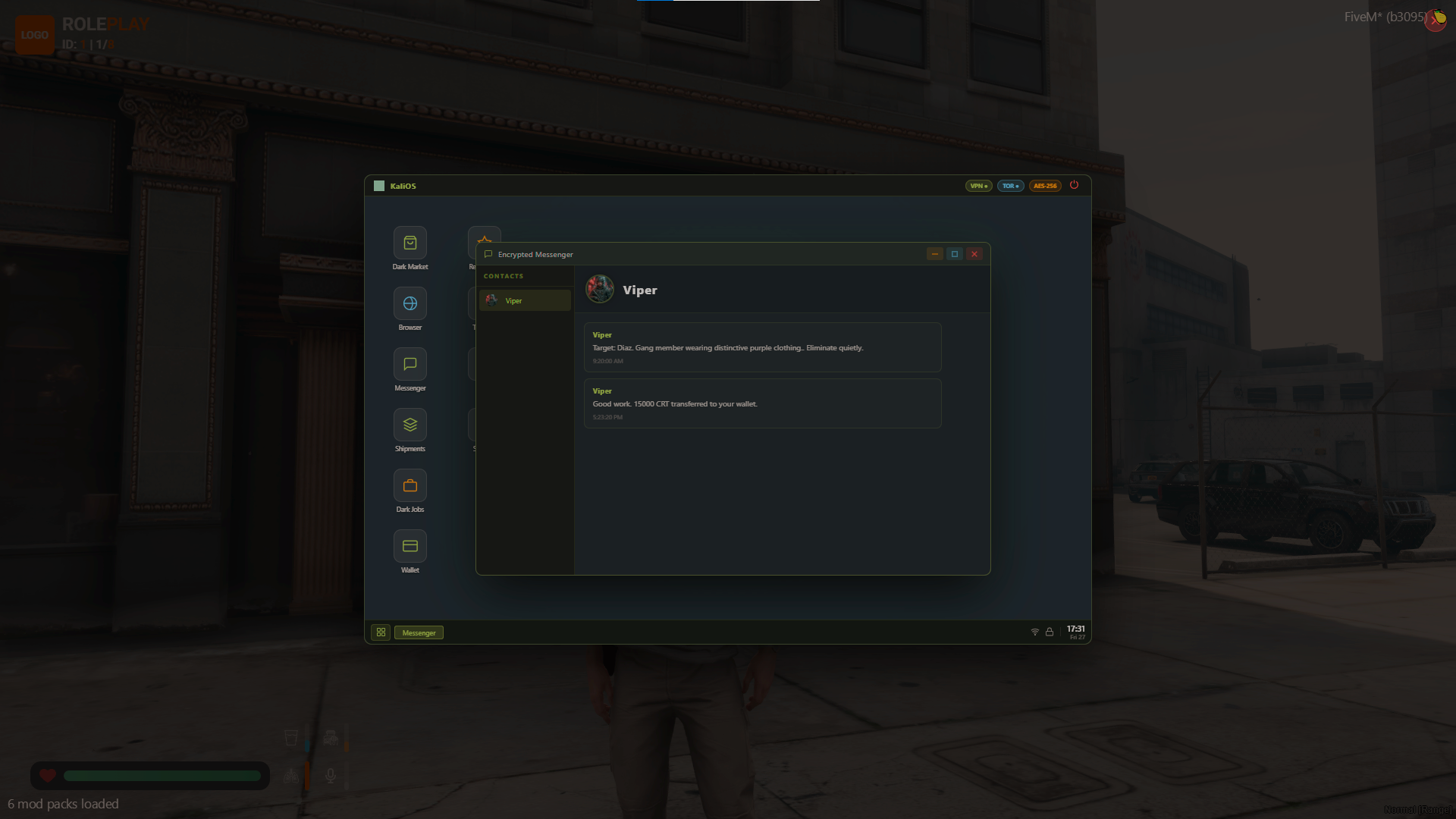
* **Elimination Contracts:** Take on hitman contracts targeting low-level bouncers up to heavily guarded syndicate bosses.
* **Search Radiuses:** Jobs don't give exact waypoints. Players are given a search area radius, encouraging active exploration and increasing job difficulty.
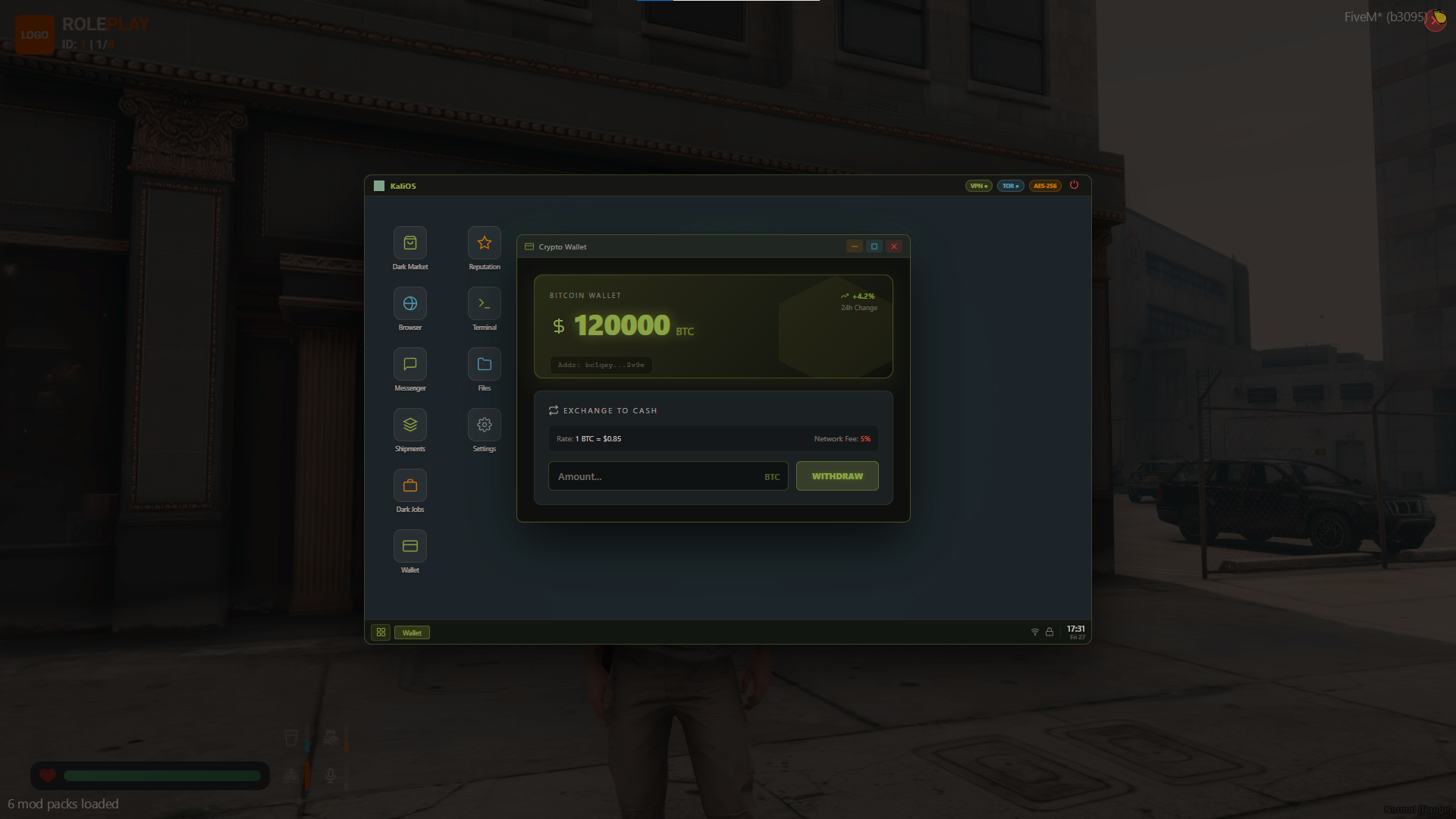
* **Crypto Exchange:** Integration for custom cryptocurrencies, allowing players to exchange tokens at dynamically configured rates.
## 🛠️ Installation Guide
Follow these steps to get `sol-blackmarket` running on your server.
### 1. Database Setup
You must import the provided SQL files into your server's database to create the required tables for reputation, crypto tracking, and items.
* Run the file `sol_blackmarket.sql` in your database manager (e.g., HeidiSQL, phpMyAdmin).
* Run the file `items.sql` (if you are adding the items directly via SQL; otherwise, manually add the items to your framework's shared items configuration).
### 2. Add Items to Your Server
Ensure the items required for the script exist in your framework's item configuration (`qb-core/shared/items.lua` or `ox_inventory/data/items.lua`):
* `encrypted_laptop`
* `encrypted_usb` (if you enable `Config.RequireUSB = true` in the config)
### 3. Configure the Script
Open `config.lua` and adjust the settings to fit your server's needs:
* Set your framework (`Config.Framework`).
* Set your inventory and target system (`Config.Inventory` and `Config.Target`).
* Modify currency types, purchase cooldowns, job rewards, and reputation requirements.
* Adjust map locations, job settings, and available black market items.
### 4. Install the Resource
* Place the `sol-blackmarket` folder into your `resources` directory (e.g., `[standalone]/sol-blackmarket`).
* Add `ensure sol-blackmarket` to your `server.cfg` file.
### 5. Final Step
* Restart your server or start the resource dynamically using `ensure sol-blackmarket` in your server console.
* Give yourself an `encrypted_laptop` and try it out!
## ⚙️ Escrow & Editability
The script has been structured via `escrow_ignore` so server administrators and developers have direct access to heavily customize:
* `config.lua`
* Database `.sql` files
* Locales and structural docs (`CUSTOMIZATION.md`, `CHANGELOG.md`)
Enjoy running your criminal underworld!


# Sol Blackmarket - Realistic Criminal Laptop OS
**Sol Blackmarket** is a comprehensive, highly configurable criminal underworld system designed for FiveM servers running QBCore or ESX. It introduces a deep, progression-based ecosystem where players can participate in dark web activities directly from an encrypted laptop, complete illegal jobs, and build their reputation.
## 🌟 Key Features
* **Universal Compatibility:** Automatically detects your framework (QBCore/ESX). Supports popular inventories (`qb-inventory`, `ox_inventory`) and interaction systems (`qb-target`, `ox_target`).
* **Encrypted Access:** Accessing the dark web is highly restricted. Players must possess an `encrypted_laptop` item and, optionally, an `encrypted_usb` drive to log in, preventing random civilians from stumbling into criminal enterprises.
* **Dynamic Black Market:** Players can purchase restricted weapons, tools, and equipment (like lockpicks and thermite). Deliveries are not instant—they take realistic times to arrive at discreet drop locations around the city.
* **Risk & Tracking System:** The heat is always on. A robust tracking system can alert the police during orders. Placing too many orders consecutively triggers law enforcement tracking.
* **Reputation & Progression:** Features a 6-tier reputation ladder (from *Unknown* to *Boss*). As players complete jobs, they gain reputation points unlocking access to heavier weaponry and more lucrative, high-risk contracts.
* **Dark Web Jobs Ecosystem:**
* **Vehicle Theft (Chop Shop):** Steal basic cars, high-end vehicles, or exotic luxury cars and deliver them to hidden chop shops.
* **Package Runs:** Work as a mule delivering standard goods, hot cargo (with active police interest), or sensitive VIP cargo to locations across the city.
* **Elimination Contracts:** Take on hitman contracts targeting low-level bouncers up to heavily guarded syndicate bosses.
* **Search Radiuses:** Jobs don't give exact waypoints. Players are given a search area radius, encouraging active exploration and increasing job difficulty.
* **Crypto Exchange:** Integration for custom cryptocurrencies, allowing players to exchange tokens at dynamically configured rates.
## 🛠️ Installation Guide
Follow these steps to get `sol-blackmarket` running on your server.
### 1. Database Setup
You must import the provided SQL files into your server's database to create the required tables for reputation, crypto tracking, and items.
* Run the file `sol_blackmarket.sql` in your database manager (e.g., HeidiSQL, phpMyAdmin).
* Run the file `items.sql` (if you are adding the items directly via SQL; otherwise, manually add the items to your framework's shared items configuration).
### 2. Add Items to Your Server
Ensure the items required for the script exist in your framework's item configuration (`qb-core/shared/items.lua` or `ox_inventory/data/items.lua`):
* `encrypted_laptop`
* `encrypted_usb` (if you enable `Config.RequireUSB = true` in the config)
### 3. Configure the Script
Open `config.lua` and adjust the settings to fit your server's needs:
* Set your framework (`Config.Framework`).
* Set your inventory and target system (`Config.Inventory` and `Config.Target`).
* Modify currency types, purchase cooldowns, job rewards, and reputation requirements.
* Adjust map locations, job settings, and available black market items.
### 4. Install the Resource
* Place the `sol-blackmarket` folder into your `resources` directory (e.g., `[standalone]/sol-blackmarket`).
* Add `ensure sol-blackmarket` to your `server.cfg` file.
### 5. Final Step
* Restart your server or start the resource dynamically using `ensure sol-blackmarket` in your server console.
* Give yourself an `encrypted_laptop` and try it out!
## ⚙️ Escrow & Editability
The script has been structured via `escrow_ignore` so server administrators and developers have direct access to heavily customize:
* `config.lua`
* Database `.sql` files
* Locales and structural docs (`CUSTOMIZATION.md`, `CHANGELOG.md`)
Enjoy running your criminal underworld!
You have no favourites yet.
Loading purchases...
No purchases found for this period.